
Best Home Security Cameras of 2025
With its easy installation and options for active monitoring, Vsecure Solutions makes our top picks for home security cameras.
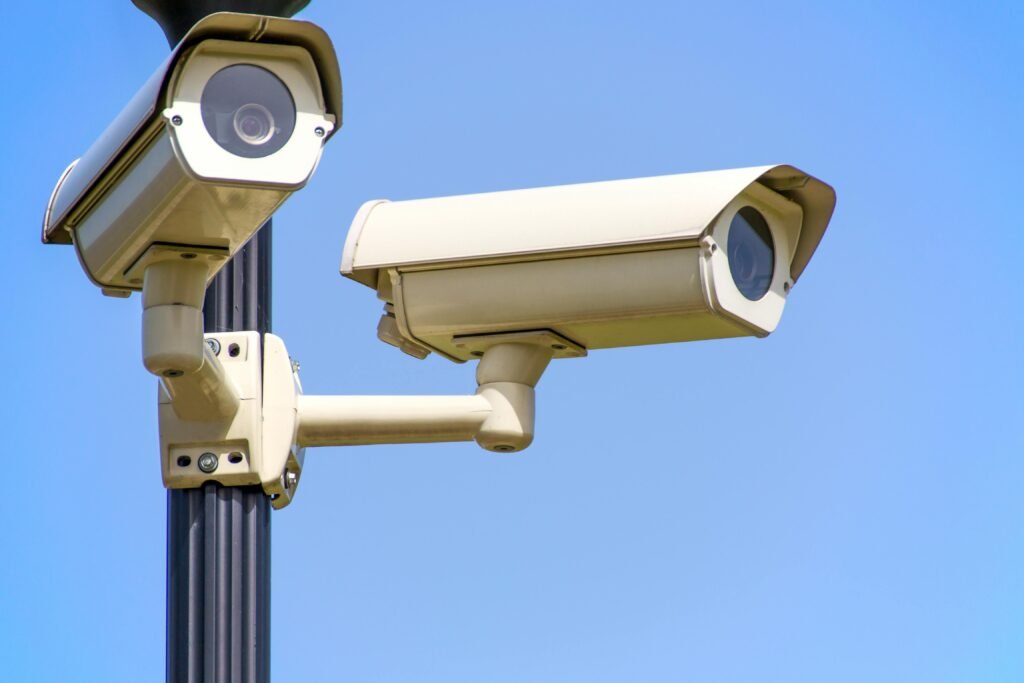
These cameras from Ring and Lorex look similar but we’ve uncovered key differences
How do you know which security camera is best for your home? We can help with that. If you know one thing about us, it’s that we’re always testing the latest security cameras. To help you find the best security camera, we share our hands-on experiences and real-life insights. After testing over 100 cameras, our favorite comes from one of the best home security systems in the industry, SimpliSafe. It’s not the only one we recommend. Check out our other top picks.
What Are Security Cameras? Modern security cameras can do a lot more than stream live video. Some cameras use artificial intelligence to recognize familiar faces and packages that have been delivered to your doorstep. Others record locally or store video in the cloud. We’ll compare security cameras with all these features and more in this guide so you can pick the best one for you.
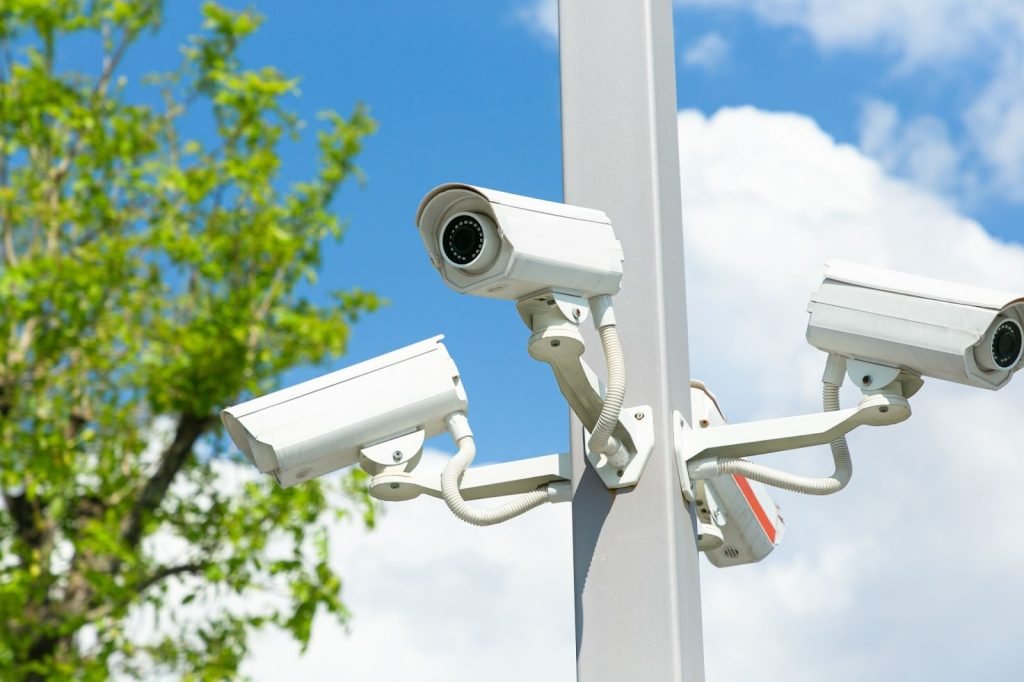
The Best Home Security Cameras of 2025
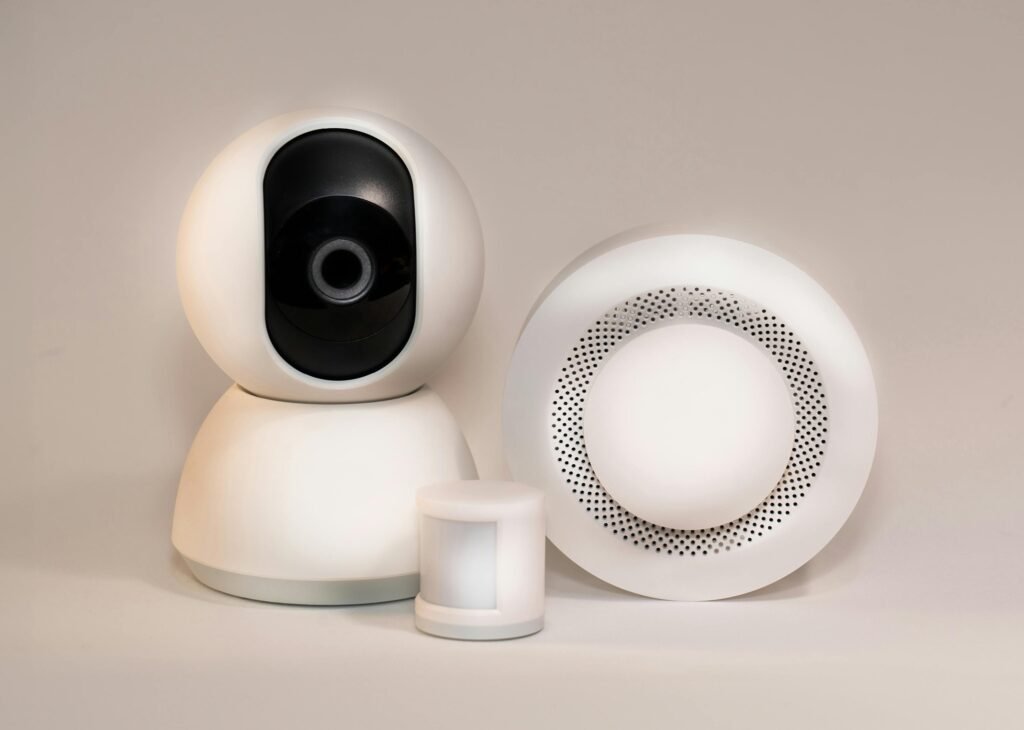

The Best Home Security Cameras of 2025
- SimpliSafe – Best Burglar Deterrent
- ADT – Most Complete Security System with Cameras
- Ring – Top for DIY Installation
- Wyze Cam – Most Affordable Security Cameras
- Lorex – Easiest to Use Security Camera
- Arlo – Top Video Resolution
- Nest – Most Compatible with Google Home Cameras
- Blink Camera – Top Compact Cameras
- Swann SWDVK-445802V – For Local Video Storage
- eufy Indoor Cam C120 – For Apple HomeKit Integration
- Zmodo – Greatest Security Camera Selection
- Ecobee SmartCamera – For Camera with Person Detection
Breaking Down The Best Home Security Cameras
1. Simplisafe
SimpliSafe takes security cameras a step further with active monitoring options for their Wireless Indoor Camera and Wireless Outdoor Camera. SimpliSafe’s monitoring plans allow SimpliSafe’s agents to access your camera live stream and use their two-way talk, lights and sirens to stop a criminal in their tracks.
What We Like
- DIY installation
- Privacy shutter
- Intruder Intervention and Active Guard features
- Two-way audio
What We Don’t Like
- Recording video requires a monthly fee
- Limited security camera range
- No 4K options
- No smart platform integrations
SimpliSafe’s Features
Live monitoring through Intruder Intervention and Active Guard Outdoor Protection make SimpliSafe’s cameras stand out.
Intruder Intervention, included with SimpliSafe’s Core monitoring plan ($31.99 per month), involves live agents watching and speaking to an intruder through the Wireless Indoor Camera when any security system sensor detects an intrusion.
Active Guard brings similar functionality to the outdoor cameras. If the outdoor camera’s AI detects a suspicious person approaching your house, SimpliSafe agents will intervene and try to get rid of them. However, Active Guard requires a pricier monitoring plan which starts at $49.99 per month.
FYI: The Wireless Indoor Camera only records and sends live feeds to SimpliSafe agents when it detects movement. A shutter covers the lens and stays closed by default to protect your privacy.
2. ADT
Why Choose ADT Cameras?
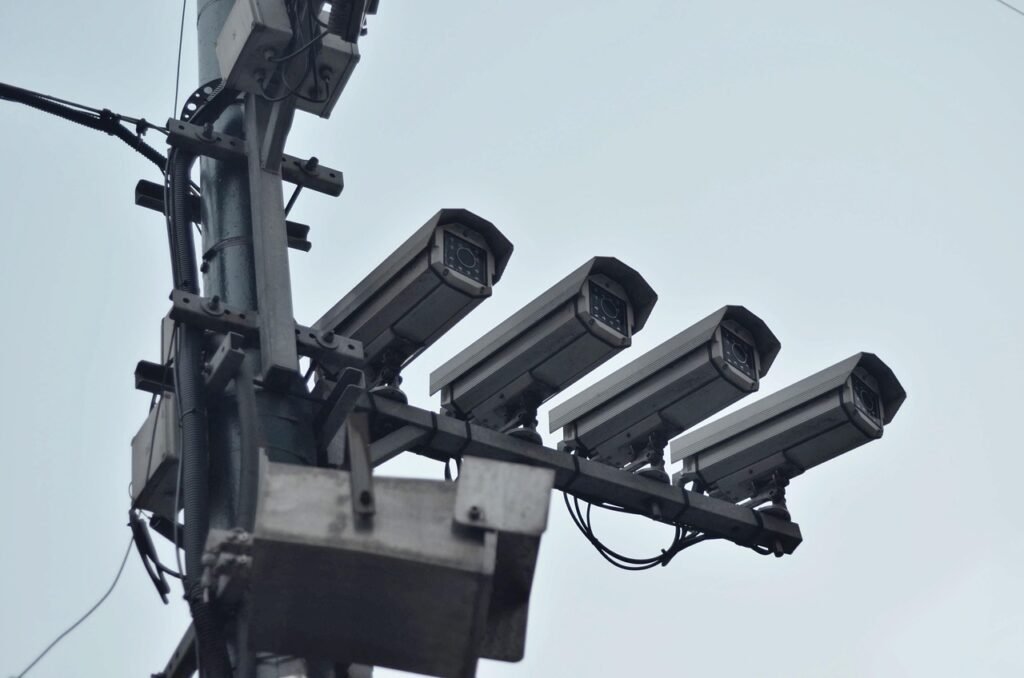
ADT security cameras are actually Google Nest Cams (which also made this list), but we found that they work better with the ADT security system we reviewed than as standalone devices. ADT fully integrated Nest Cams in their security systems, with added features like video verified alarms and facial recognition to aid ADT’s Trusted Neighbor feature.
What We Like
- A video analytics system that can differentiate different events
- 1080p HD video resolution on indoor and outdoor cameras
- Two-way audio on every camera
- All cameras come as part of a complete ADT home security system
What We Don’t Like
- Relatively high prices
- Video doorbell has lower resolution than industry-standard 1080p
- Advanced features require a subscription
- Professional installation requires a long-term contract
ADT’s Features
The Nest Cams are great security cameras to begin with, with advanced AI features such as person, animal, and vehicle detection. They are also the most reliable facial recognition cameras we’ve tested.
3. Ring
On the surface, it looks like Ring only offers four types of security cameras. As you dive deeper, you’ll find sub-variants. For example, the three outdoor cameras have Plus and Pro models. Some even have solar, battery, or hardwired power sources. This flexibility makes them ideal for DIY security systems.
What We Like
- Wide-selection of indoor/outdoor cameras
- Easy DIY installation takes only minutes
- Crisp and clear HD video image quality
- Integrates with third-party smart platforms
What We Don’t Like
- Some Ring cams are too large
- High-end Ring cameras are expensive
- Ring Elite cams only offer Power over Ethernet (PoE)
- Can be prone to trigger false alarms

Ring’s Features
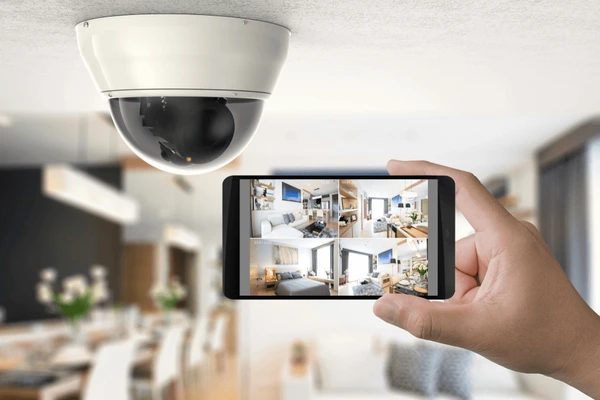
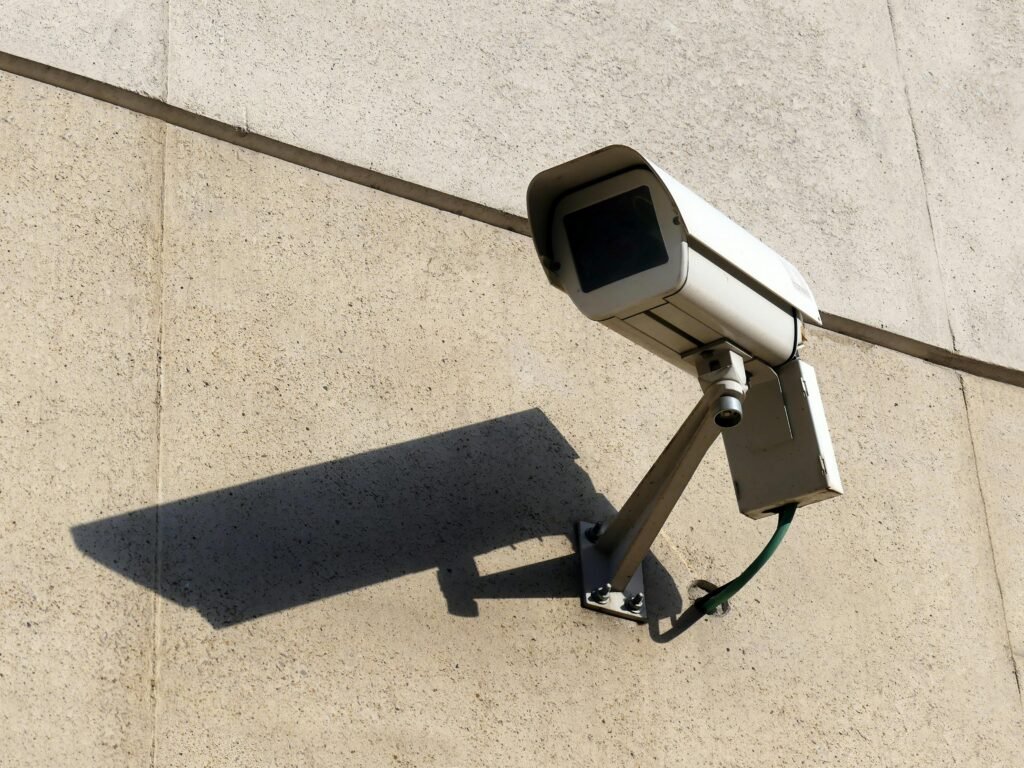
With so many models, Ring offers something for everyone. The Spotlight and Floodlight Cams both include a built-in siren and lights you can use to scare away intruders. That’s how we used ours when we tested the Ring Spotlight Cam. With the Indoor and Outdoor Cam, you get reliable security cameras for basic surveillance.
You can mix-and-match different Ring cameras and DIY your way to cost-effective home security. The Ring Indoor Cam, for example, is one of the most affordable cameras on the market. It plugs into an outlet, streams and records videos, and detects motion, all for just $60. During Ring’s Prime Day deals and other sales, you can get it for even less.
Here’s a quick overview of the pricing for Ring’s security cameras:
| Ring security cameras | Price |
|---|---|
| Ring Indoor Cam | Starting from $59.99 |
| Ring Outdoor Cam | Starting from $79.99 |
| Ring Spotlight Cam | Starting from $149.99 |
| Ring Floodlight Cam | Starting from $179.99 |
4. Wyze Cam
One look at Wyze’s prices, and you’ll be pleasantly surprised. At less than $36, the indoor-outdoor Wyze Cam v4 is one of the most affordable indoor cameras, and easily one of the cheapest outdoor cameras, let alone one that offers over 2K video.
What We Like
- Lowest priced cameras (starting at $30)
- Free 14-day cloud video storage
- Works with Alexa for voice control
- Innovative features like motion tagging
What We Don’t Like
- No outdoor camera options available
- No pro monitoring, only self-monitoring
- Has long power cord/must be plugged in
- Does not offer geofencing technology
Wyze’s Features
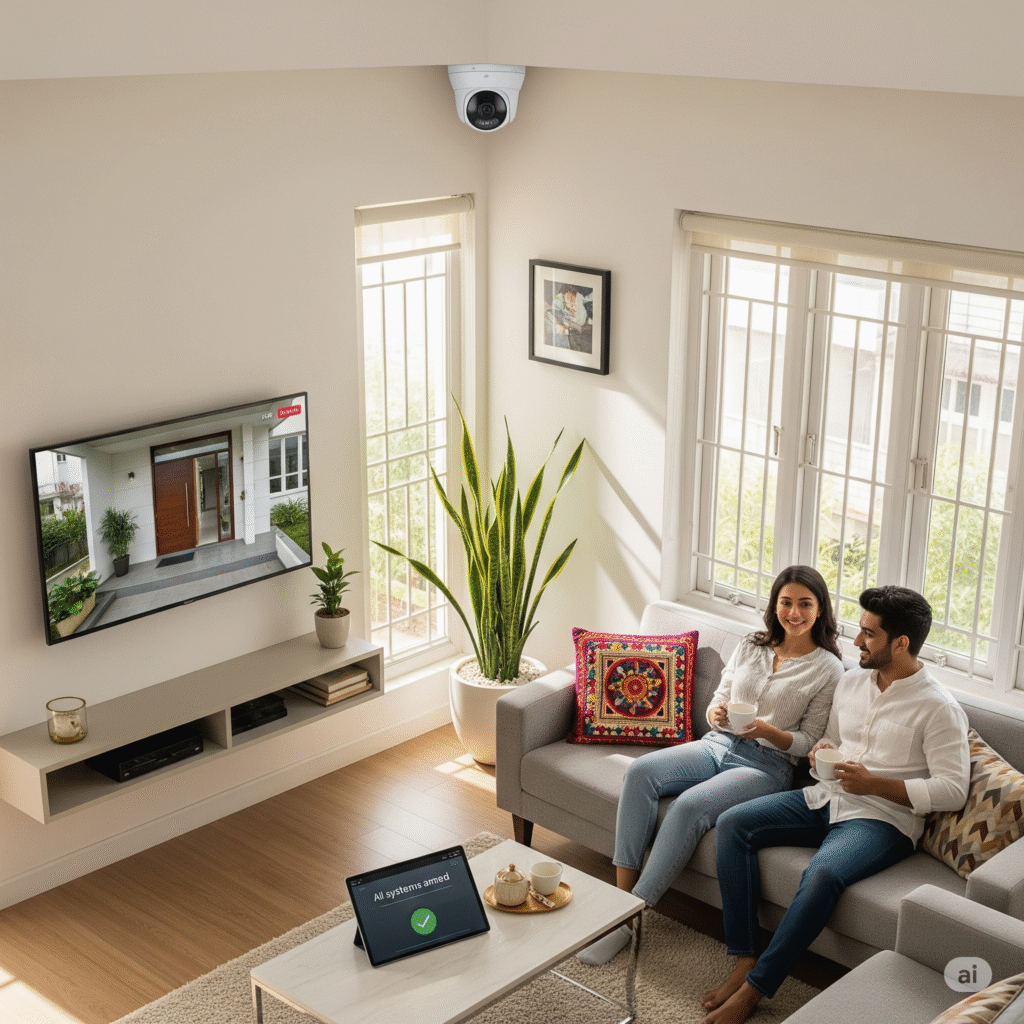
Wyze cameras offer excellent bang for your buck. For a low-cost camera, we were impressed to find motion detection zones, virtual assistant capability, and sound detection. This can alert you if your smoke or carbon monoxide alarm goes off. Wyze even offers cameras with built-in spotlights starting at $20.
Wyze’s Floodlight Cam V2 is only $90, half the price of the Nest Cam (Floodlight). It includes a dimmable, 2,800-lumen floodlight, built-in siren, and color night vision. You even get footage in 2K. What holds Wyze back is its average mobile app, missing professional monitoring plans, and limited cloud storage options.
5. Lorex
Lorex’s security camera options tower even that of Ring. Lorex cameras come in just about any technical spec you could want, except they focus on local storage options instead of cloud storage. They also tend to prioritize rugged construction over high-tech features, although there’s plenty of both from Lorex.
What We Like
- Clear HD video quality up to 4k
- Long-range night vision feature
- Professional-grade design and build
- Feature-rich cameras with smart tech
What We Don’t Like
- Expensive high-end camera system
- Easy to be overwhelmed by options
- Most cameras must plug-in to power outlets
- Customer service is not the best
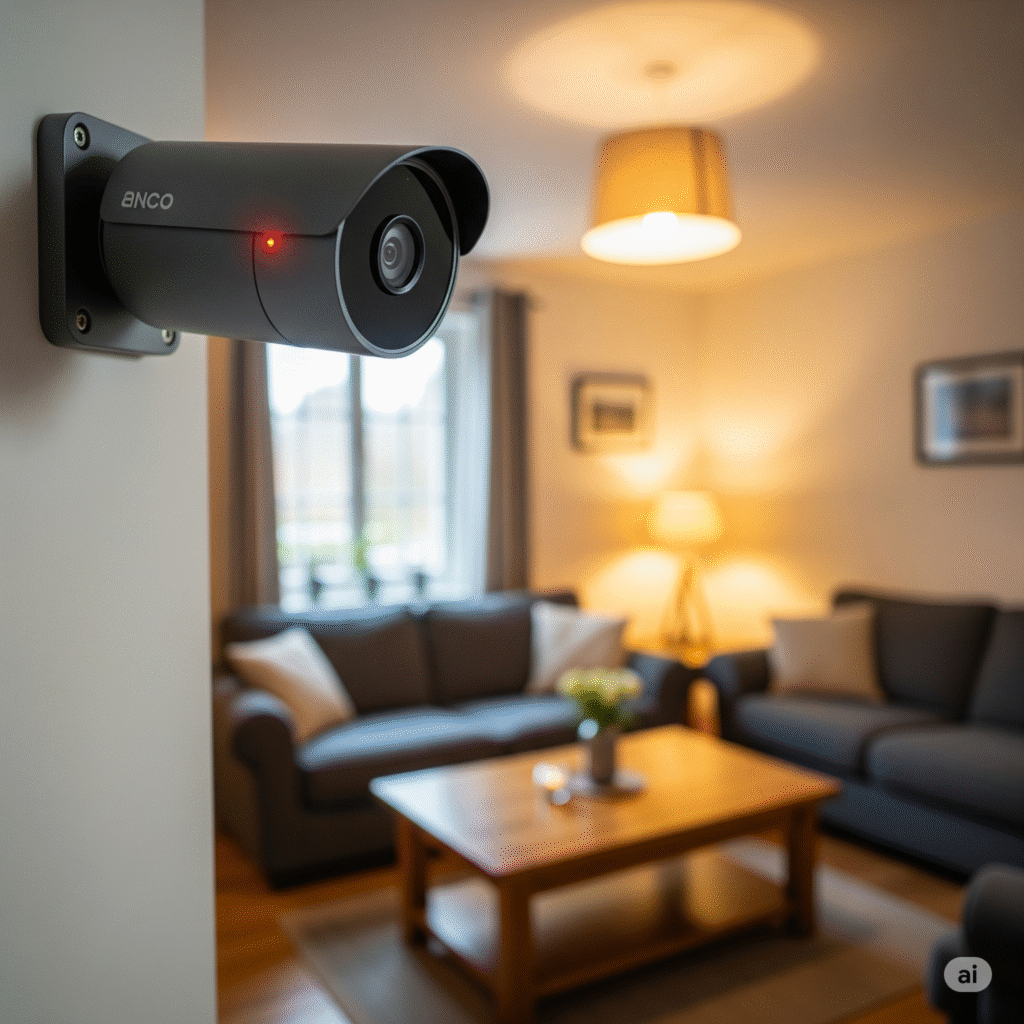
Lorex’s Features
Most Lorex cameras support continuous recording to a DVR or NVR, making them ideal for businesses. For home use, you’ll need to run cables through the walls to the recorders. Setting up a four-camera Lorex system took us about five hours. It took a lot of effort, but at least we don’t have to pay a monthly subscription for cloud storage.
We think the 2K HD Outdoor Wireless Security Camera represents Lorex well. It highlights Lorex’s low prices at $125 for a quality camera. It has full-color night vision up to 32 feet in near-total darkness, 2K resolution, and a nearly indestructible build quality.
6. Arlo
If you want your recorded footage looking crystal-clear, choose Arlo. Most security cameras feature 2K resolution, but our pick is the Ultra 2 we reviewed. It has 4K resolution with a 180-degree field of view, and two-way audio.
All of Arlo’s cameras automatically adjust resolution based on your connection quality. This means it captures every event, even if you’re having Wi-Fi issues. Other great features include built-in sirens and compatibility with Alexa and Google Assistant.
What We Like
- High-quality home security cameras
- Offers a wide-range of camera options
- No long-term contracts required
- 100% wireless, can be installed anywhere
What We Don’t Like
- Steep upfront equipment cost
- Does not offer entryway sensors
- Limited home automation options
- Not sufficient for complete home security
Arlo’s Features
On top of the high-tech capabilities we mentioned before, Arlo offers flexible setup options, too. When we tested the Arlo Pro 3, we could plug it in or use its built-in battery for power and it featured magnetic mounts so we could put it up anywhere with ease.
With these premium features and flexibility, Arlo’s prices are on the high end. There’s the $300 Arlo Ultra 2, for instance, that offers all of their capabilities including 4K resolution and an ultra-wide viewing angle. But, you don’t need to break the bank if you wait for Arlo’s prime day deals where they regularly discount all of their cameras.
7. Nest
As we mentioned earlier, we think Nest Cams work best with ADT security systems. They also function as a standalone device. Even without an ADT setup, you can connect Nest Cams to Google Assistant and access advanced features like facial recognition, motion zones, and sound detection.
What We Like
- Smart features like facial recognition
- Access and stream live-video 24/7
- Crisp 1080p HD video quality
- Compatible with Z-Wave technology
What We Don’t Like
- Expensive if purchasing multiple cams
- No local video storage options
- Camera must connect to internet
- Customer service could be improved
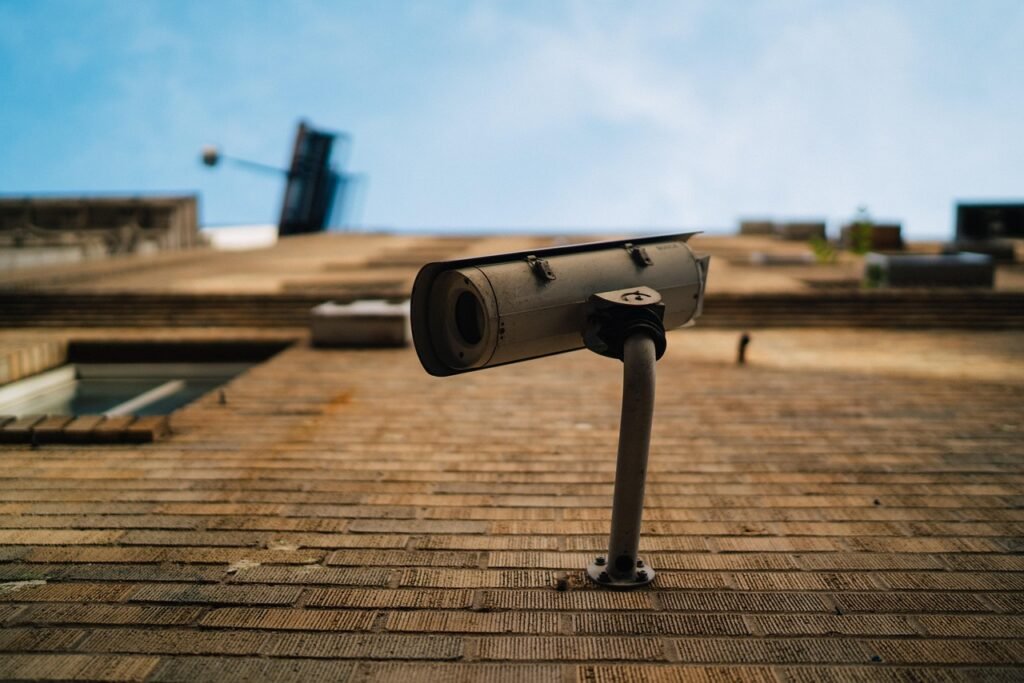
Google Nest Cam Features
All Nest Cam models come with facial recognition technology, which Google calls Familiar Face Alerts. But you’ll need a Nest Aware subscription to access the feature. We find it well worth the $8 per month price that Google Nest charges.
You need to teach it faces, though, before it can recognize them by assigning names to pictures. It took about two months to start recognizing people that came by our house on a weekly basis. This allows you to get notifications when specific people show up to your house which we used to know when our kids got home from school each day.
8. Blink Camera
Blink sells easy-to-use wireless cameras for indoor and outdoor use. These are low-priced at $40 and up, yet excellent quality. They all connect to a Sync Module for a Wi-Fi connection which reduces the power consumption of the cameras. This setup enables a two-year battery life, longer than any camera we’ve tested.
What We Like
- No-contract, self-monitoring option
- User-friendly DIY installation
- Low-maintenance, long battery life
- Integrates with Alexa and IFTTT
What We Don’t Like
- Does not offer innovative features
- Multiple devices become expensive
- Limited video storage options
- Only one person can stream at a time
Blink’s Features
Blink prioritizes battery life over advanced features like facial recognition. For example, to detect motion, Blink cameras use passive infrared (PIR) motion sensors, which barely consume energy.2 Blink offers some of the best cameras for pet owners, as its heat-signature detection distinguishes animals from false alarms like moving curtains.
When a Blink camera detects motion, they can record to a microSD card or USB drive connected to the sync module. Or, you can opt for cloud storage, which is what we did. Blink charges $3 per month for one camera or $10 per month for unlimited cameras, about the same price as Ring.
9. Swann SWDVK-445802V
Swann sells high-quality indoor/outdoor cameras and video doorbells for DIY monitoring only. They’re similar to Lorex in that most of their cameras use a DVR or NVR setup. That means you can record lots of footage without paying a monthly subscription. This keeps Swann’s pricing affordable in the long run.
What We Like
- Full lineup of versatile cameras
- Wireless, wired, and wire-free connections
- Free local video storage (microSD card)
- Robust, weatherproof cameras
What We Don’t Like
- Relatively expensive equipment
- Cloud storage requires subscription
- No professional monitoring available
- Cancelling paid plans can be tricky
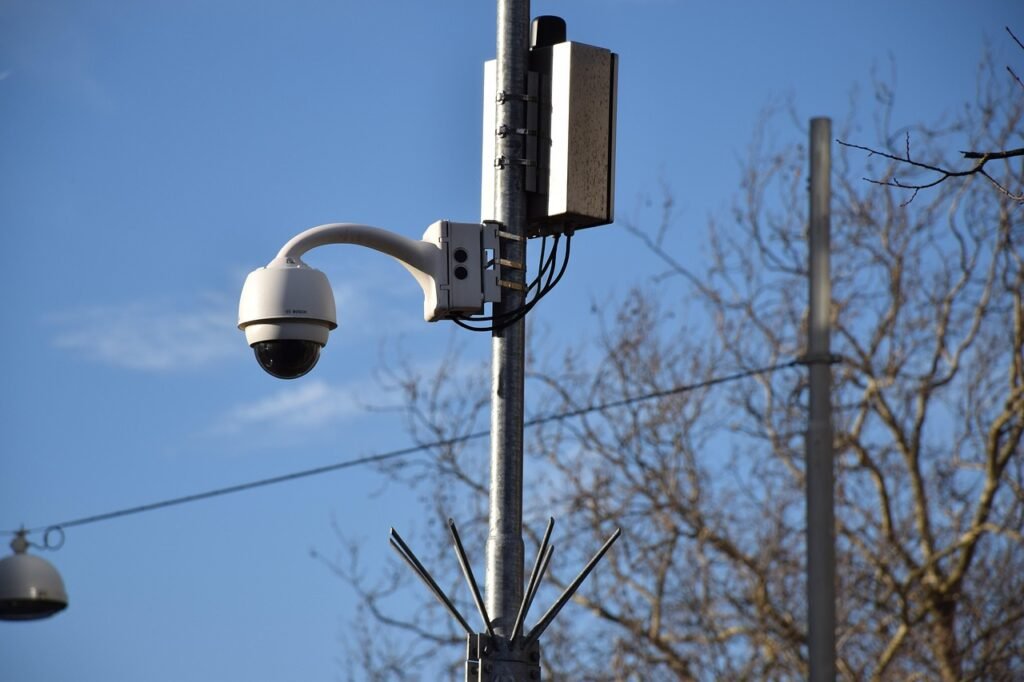
Swann’s Features
Swann cameras feature impressive long-range color night vision, heat sensing, two-way talk, floodlights, competitive pricing, and compatibility with Alexa and Google Assistant.
We bought Swann’s 4K Floodlight Security Camera, which costs $199, to test out these functions and were left impressed. On top of all of Swann’s standard features, it also featured a dimmable floodlight that enabled it to gather clear recordings of the street in front of our house about 100 feet away at night.
10. Eufy Indoor Cam C120
Very few security cameras work with Apple’s voice assistant, Siri, like the eufy 2K indoor camera does. This camera let us view live video feeds on our phones just by asking Siri. Plus, we got 10 days of extra cloud storage through our iCloud subscription.
What We Like
- Affordable $43 price tag
- 2K video with 125-degree field of view
- Two-way audio
- Integrations with Apple HomeKit, Google Assistant and Alexa
What We Don’t Like
- Not compatible with 5G networks
- No wireless option
- Cloud storage makes for a lower video resolution
- 2K HD streaming uses a lot of data
eufy’s Features
While not really a feature, eufy’s pricing is one of its biggest selling points. For instance, the eufy Indoor Cam C120 we bought only cost us $43. Normally, a camera of this caliber costs over $100. It has 2K resolution and we could record footage directly to a Micro SD card so we didn’t need a cloud subscription.
Unfortunately, eufy cameras don’t get a lot of features going for them. They are reliable cameras with interesting integrations, but they aren’t going to give you features as advanced as Nest Cams do.
11. Zmodo
Why Choose Zmodo Cameras?
Zmodo sells a wide selection of smart doorbell cameras, indoor-only cameras, and weatherproof surveillance cameras for DIY monitoring. We chose these cameras to serve as crime deterrents, but we had friends who used the Zmodo video cams for keeping an eye on their dependents. Some Zmodo cameras are hardwired, and others are wire-free.
What We Like
- Surprisingly affordable equipment
- Full lineup of camera options
- Simple DIY setup and easy to use
- At least 720p video quality with two-way audio
What We Don’t Like
- Cheap design, flimsy construction
- Power cord is much too short
- Does not offer third-party integrations
- Camera options are too similar

Zmodo’s Features
Typically, you need to pay for any amount of cloud storage with security cameras. And it makes sense, that’s an ongoing cost for the provider. But, the price of Zmodo cameras includes 12 hours of cloud storage for free. We used this to review all of our clips each day after work.
However, we found their cameras a bit flimsy. Fortunately, all cameras are backed by a three-year warranty. There’s also a 30-day money back guarantee you can use if your cameras arrive and you’re unimpressed
12. Ecobee SmartCamera
We’ve already mentioned a few security cameras with person detection, but the ecobee SmartCamera is the most impressive. Its panning function follows subjects, keeping them centered and in focus at all times.
What We Like
- Person detection
- 180 degree field of view and panning
- Integrations with Alexa and Siri
- Infrared night vision
What We Don’t Like
- Doesn’t work with Google Assistant
- No free cloud storage
- No local storage
- Paid subscription required for geofencing, remote disarming, voice command arming and disarming, etc.
Ecobee’s Features
It’s important to note that, just like the Zmodo cameras, the Ecobee SmartCamera works with Apple HomeKit, which is strangely a rarity when it comes to home security cameras. On the flip side, the camera isn’t compatible with Google Assistant, which is a bit of a head scratcher.
Ecobee also only offers one security camera model. It’s an indoor model, too, so don’t expect protection for the exterior of your house if you opt for an ecobee setup. We were surprisingly satisfied with our ecobee SmartCamera, though, as it has a wide field of view that lets us capture our entire living room.